
When debugging a Docker image build, it might be useful to add a RUN statement to print some useful debugging information (e.g. running processes, the content of a directory, etc.). However, by default the output of the command will not actually be printed to the console.
So instead of commenting out the rest of the build file, docker run and then docker exec -it <container> sh to open a shell inside your container to run the command yourself, there’s also --progress=plain:
Bash
~ $ docker build -t your/tag . --progress=plainWithout --progress=plain
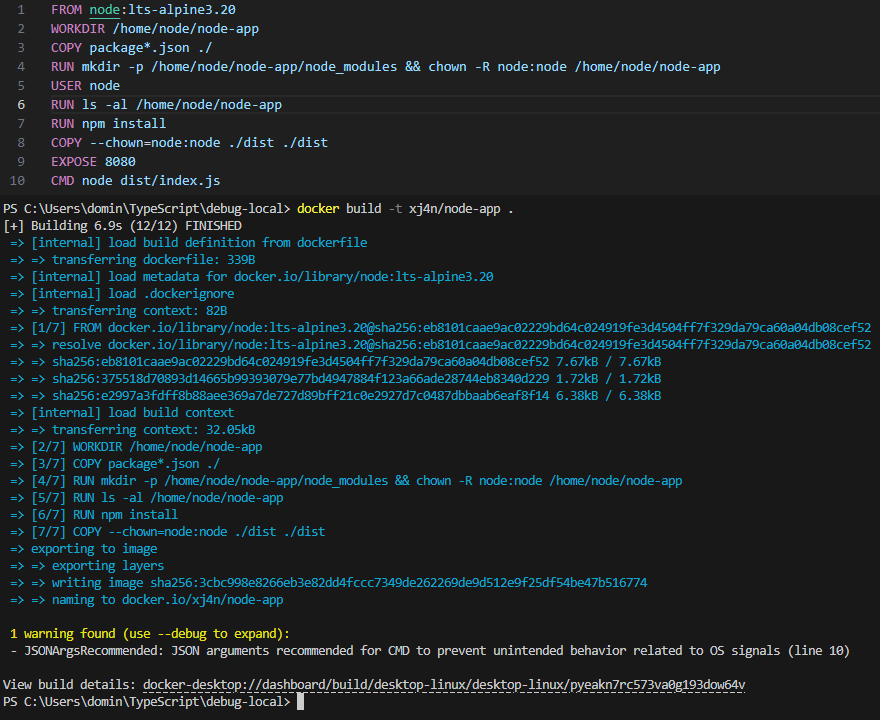
With --progress=plain
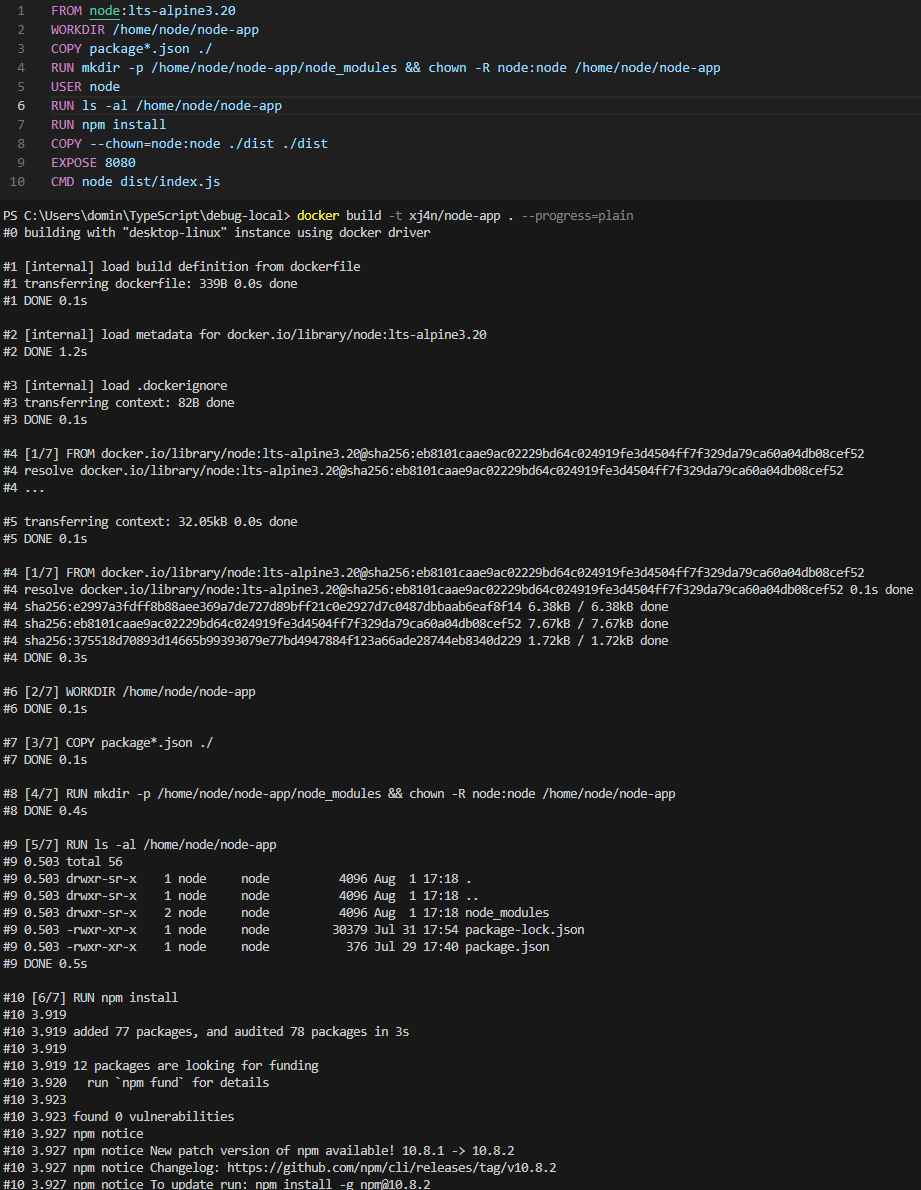
It might happen that you don’t see the output when the layer has already been cached. In this case you can also add --no-cache to force all layers to be built without the cache. This will be slower, but ensures that each step will be executed:
Bash
~ $ docker build -t your/tag . --progress=plain --no-cache